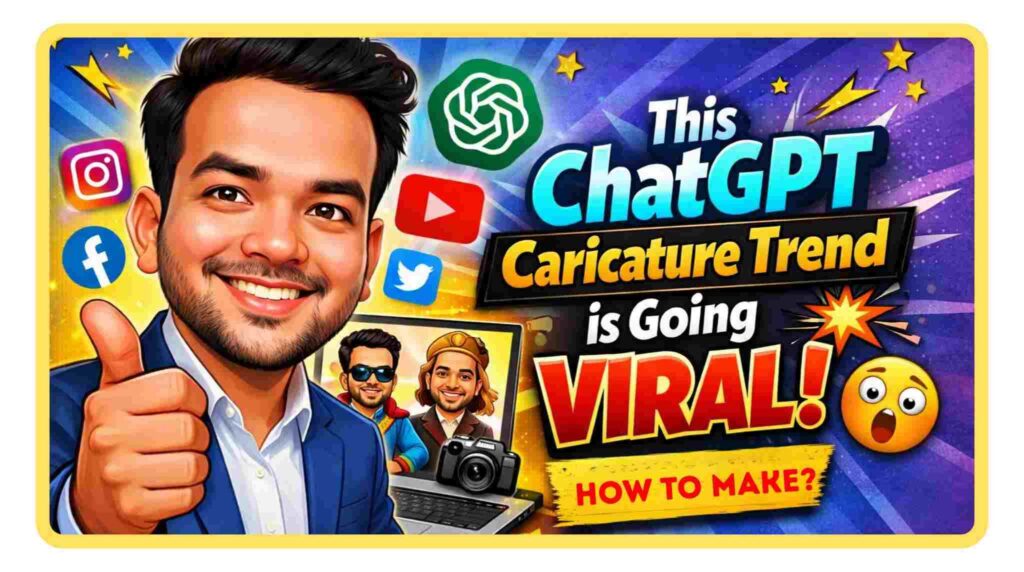
These days, a new AI trend is going viral on social media the ChatGPT Caricature Trend. On Instagram, Facebook, and YouTube Shorts, people are sharing their funny cartoon-style images, and many of them are getting amazing engagement.
The best part about this trend is that you don’t need any graphic design skills. Now anyone can create their own unique AI caricature image easily without using complicated software.
If you’re also wondering what this trend is and how you can create your own AI caricature, then in this article I’m going to explain everything step by step in a simple way.
What is the ChatGPT Caricature Trend?
The ChatGPT caricature trend is an AI-based creative trend where people use their photo or a simple description to generate a cartoon or exaggerated version of themselves.
The special thing about this trend is that AI slightly exaggerates your facial features and creates a fun, artistic cartoon version of your image. These images look very attractive and highly shareable, which is why they quickly go viral on social media.
Also Read: Content creation tools for beginners?
Why Are People Loving This Trend So Much?
There are a few main reasons why this trend is going viral:
✔ AI gives unique and funny results
✔ No graphic designing skills are required
✔ It helps increase engagement on social media
✔ Useful for personal branding and content creation
✔ The process is very easy and fast
Nowadays, people want their profiles to look more creative and different. AI caricatures have become a perfect option for that.
How to Create a ChatGPT Caricature?
If you also want to create your own caricature, just follow the steps below:
✅ Step 1 – Open ChatGPT
First, open ChatGPT and use the image generation feature.
✅ Step 2 – Prepare Your Photo or Description
You can create your caricature in two ways:
Upload your own photo
Or describe your face and personality in detail
✅ Step 3 – Write a Proper Prompt
The prompt is the most important part. The more clearly you explain what you want, the better the result will be.
Example Prompt:
"Create a funny caricature of a young person with stylish hair, wearing casual clothes, bright colors, cartoon style, exaggerated facial features, high quality, detailed illustration."
Also This Prompt works Properly –
“Create a caricature of me and my job based on everything you know about me.”
✅ Step 4 – Generate the Image
After submitting the prompt, the AI will generate your caricature image.
✅ Step 5 – Download and Share
Now you can download your caricature and share it on your social media platforms.
Also Read: Best AI Image Generator for Realistic Photos
Best Tips for Better Caricature Results
- Clearly mention the style in your prompt
- Add lighting and color details
- Describe the expression and mood
- Try different variations
- Use high-quality and detailed keywords
The more you experiment with AI, the better results you’ll get. Don’t just generate one image and stop — tweak the prompt and try different versions.
Why Is This Trend Important for Content Creators?
If you are a content creator or influencer, this trend can be very useful for your branding. You can use your caricature to:
- Improve your profile branding
- Create thumbnails or a unique logo
- Build a strong and different social media identity
- Increase audience engagement
When people see something creative and fun, they are more likely to stop scrolling and pay attention.
Future of AI Creative Trends
AI technology is growing very fast, and in the coming years we’ll see even more creative tools launching. The caricature trend is just one example of how powerful AI can be in entertainment and creativity.
Creators who start using AI tools early will always have an advantage.
Also Read: Gemini Prompts for Boys Stylish [Copy paste]