If you are starting your journey in content creation, the most important thing you need to understand is this: digital tools are the shortcut between your idea and the final content.
Whether you are creating videos, writing blogs, designing posts, or managing social media, digital tools help you plan, create, edit, publish, and track your content. Because of these tools, you spend less time fixing mistakes or searching for assets and more time actually creating.
Think of digital tools as your creator toolkit. Some tools help you come up with ideas, some help you write scripts, others help you design thumbnails, edit videos, schedule posts, or analyze performance. When you use the right tools in the right way, content creation becomes faster, cleaner, and more consistent.
What Are Digital Tools for Content Creators?
Digital tools are software, apps, or online platforms that help content creators complete different tasks during the content creation process. These tasks include research, writing, design, video editing, publishing, analytics, collaboration, and monetization.
Instead of doing everything manually, creators use digital tools to save time, reduce errors, and improve the overall quality of their content. In today’s competitive space, using the right tools is no longer optional — it’s necessary.
Categories of Digital Tools Every Creator Should Know
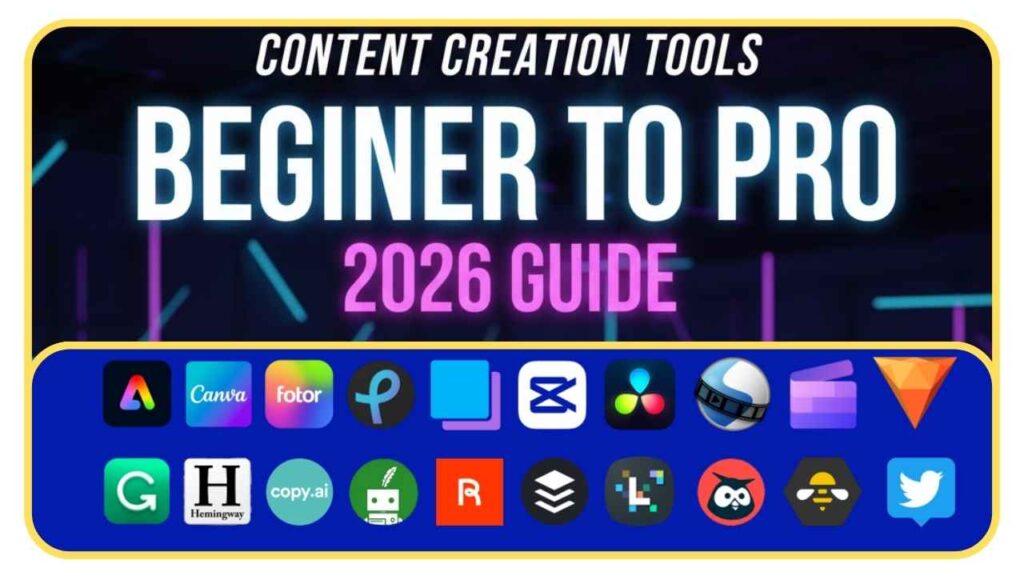
To make things easy, digital tools can be divided into clear categories. Below, I’ll explain each category, what these tools do, and which ones beginners should start with.
Idea & Research Tools
Idea and research tools help you understand what people are searching for and what is trending right now.
One of the best free tools for this is Google Trends (https://trends.google.com). It shows you trending topics, rising searches, and seasonal demand, which is very useful for blogs, videos, and reels.
For brainstorming ideas, scripts, and outlines, tools like ChatGPT (https://chat.openai.com) and Google Gemini (https://gemini.google.com) are extremely helpful. These tools don’t replace creativity, but they speed up thinking, help you structure ideas, and save hours of research time.
Writing & Script Tools
Writing tools help you clean, improve, and polish your content.
If grammar or sentence structure is a challenge, Grammarly (https://www.grammarly.com) helps fix mistakes and improve clarity. This is very useful for blog posts, YouTube descriptions, captions, and emails.
AI writing tools can also help with script drafting, hook writing, and content variations. The key is to use them as support, not to blindly copy content.
Visuals & Graphics Tools
Visual content is what grabs attention first.
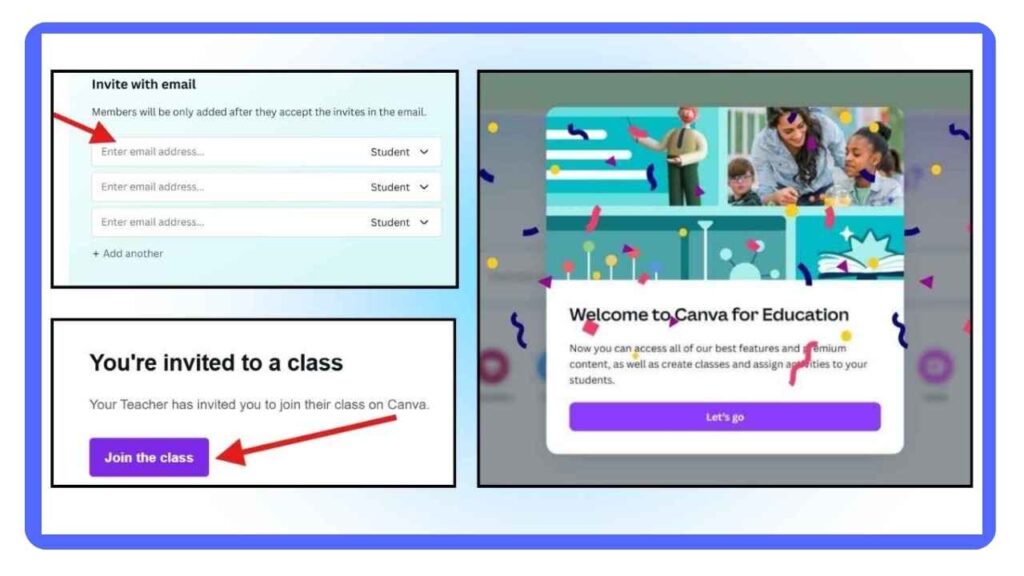
For beginners and professionals, Canva (https://www.canva.com) is one of the easiest tools to create thumbnails, Instagram posts, banners, and short video graphics. It offers ready-made templates, fonts, and stock assets that save a lot of time.
If you want more design control or team-based design work, Figma (https://www.figma.com) is useful. Advanced designers may still prefer Photoshop-style editors, but most creators don’t need that level in the beginning.
AI Image Generation Tools
AI image generation is now part of the modern creator workflow.
Tools like Midjourney (https://www.midjourney.com) and Gemini’s image models can generate backgrounds, concept art, and stylized visuals. These are useful when you need unique images quickly.
For realistic results, always use clear references and avoid overusing AI images. AI works best as a support tool, not as a full replacement for real visuals.
Video Editing Tools
Video editing tools are the backbone of content creation today.
For short-form content like Reels and Shorts, CapCut (https://www.capcut.com) is one of the most popular tools. It offers templates, auto captions, effects, and fast exports, which makes editing easy even for beginners.
For long-form or professional editing, desktop tools like DaVinci Resolve (https://www.blackmagicdesign.com/products/davinciresolve) are widely used for advanced color grading and editing.
For screen recording or live streaming, OBS Studio (https://obsproject.com) is a free and reliable option.
Audio Editing Tools
Audio quality often matters more than video quality.
Clean audio makes even simple videos feel professional. For basic audio cleanup, Audacity (https://www.audacityteam.org) is a great free tool.
For advanced audio editing and podcast-style workflows, tools like Descript (https://www.descript.com) allow you to edit audio by editing text, which saves a lot of time.
Always use royalty-free or original music to avoid copyright issues.
Publishing & Scheduling Tools
Publishing and scheduling tools help creators stay consistent.
Instead of posting manually every day, scheduling tools allow you to plan content in advance. Platforms like Meta Business Suite, Buffer, or Later help schedule posts across social media.
Consistency matters more than random viral success. Many creators also use simple link-in-bio tools or landing pages to manage multiple links.
Analytics & SEO Tools
Analytics tools help you understand what is working and what is not.
Google Analytics (https://analytics.google.com) and Google Search Console (https://search.google.com/search-console) help track website traffic, impressions, and search performance.
SEO tools like Ahrefs (https://ahrefs.com) or SEMrush (https://www.semrush.com) help with keyword research and competitor analysis. Even basic SEO knowledge can bring long-term traffic.
Storage, Workflow & Collaboration Tools
As content grows, file management becomes important.
Google Drive (https://drive.google.com) and Dropbox help store raw footage, assets, and backups. For planning and organizing content, Notion (https://www.notion.so) is excellent for scripts, calendars, and ideas.
If you work with a team, workflow tools and clear communication save time and reduce confusion.
Monetization & Selling Tools
Monetization tools help turn content into income.
Gumroad (https://gumroad.com) is great for selling digital products like editing packs or presets. Patreon (https://www.patreon.com) helps creators build recurring income through memberships and fan support.
Choose monetization tools based on your content type and audience.
Practical Tips for Beginners
When starting out, tools can feel overwhelming. Keep these basics in mind:
Start with one tool per category
Organize assets from day one
Always back up files locally and in the cloud
Reuse templates to save time
Simple systems always beat complex setups
What Should You Learn First?
If you create videos, focus on one video editor, basic audio cleanup, and thumbnail design.
If you write blogs or scripts, focus on keyword research, outline drafting, and language polishing.
Learn tools based on your content type, not trends.
Budget-Friendly Setup for Creators
You don’t need expensive gear to start.
A smartphone or budget camera, a lavalier mic, free editing tools, and a basic tripod are enough. Many creators grow faster once they build a repeatable workflow.
Common Mistakes Beginners Make
Chasing every new tool
Buying expensive gear too early
Overusing effects and transitions
Tools support creativity, but they don’t replace good ideas and consistency.
Final Thoughts
Tools will keep changing, especially with AI growing fast. But workflows stay mostly the same. Keep your process simple, build a small library of templates, and focus on consistency.
When a new tool appears, test it for a week. If it saves time, keep it. If not, ignore it. This mindset keeps your focus where it matters most — creating content regularly and improving step by step.